Tags
Workspace Tags label contacts and conversations. They belong to the workspace selected in the sidebar.
Live URL: live.chatmaven.ai/workspaces/tags
Open Tags
Top bar Workspaces → sidebar Tags.
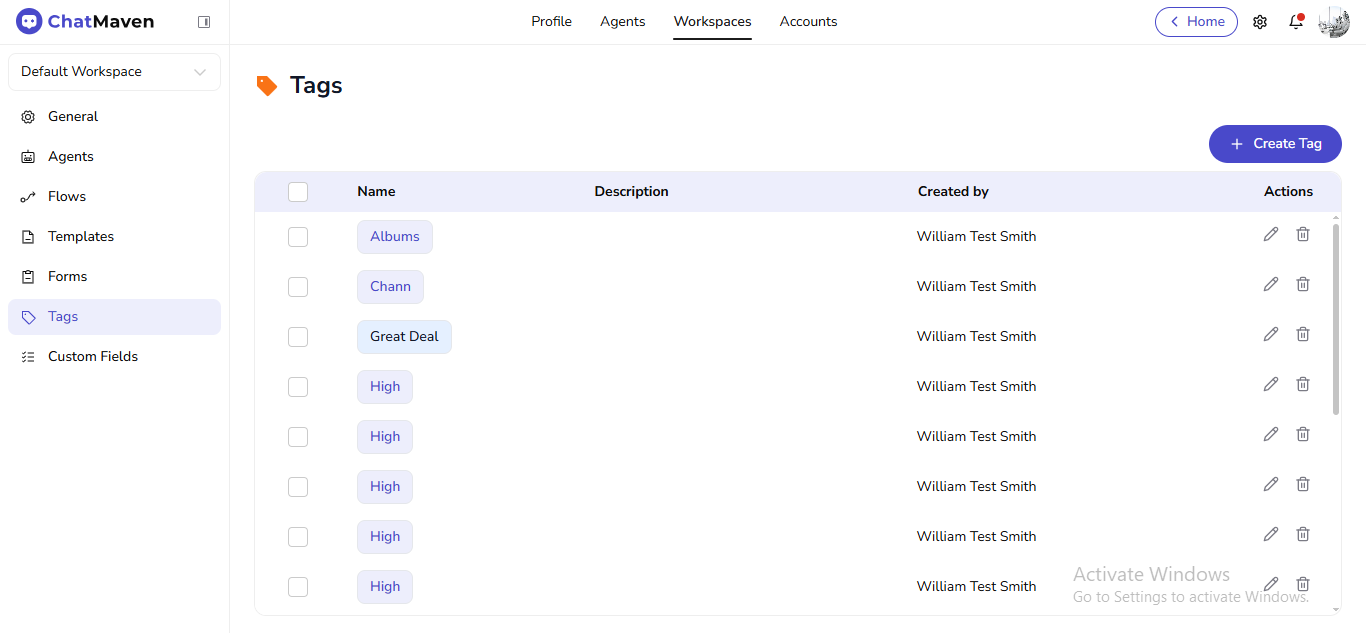
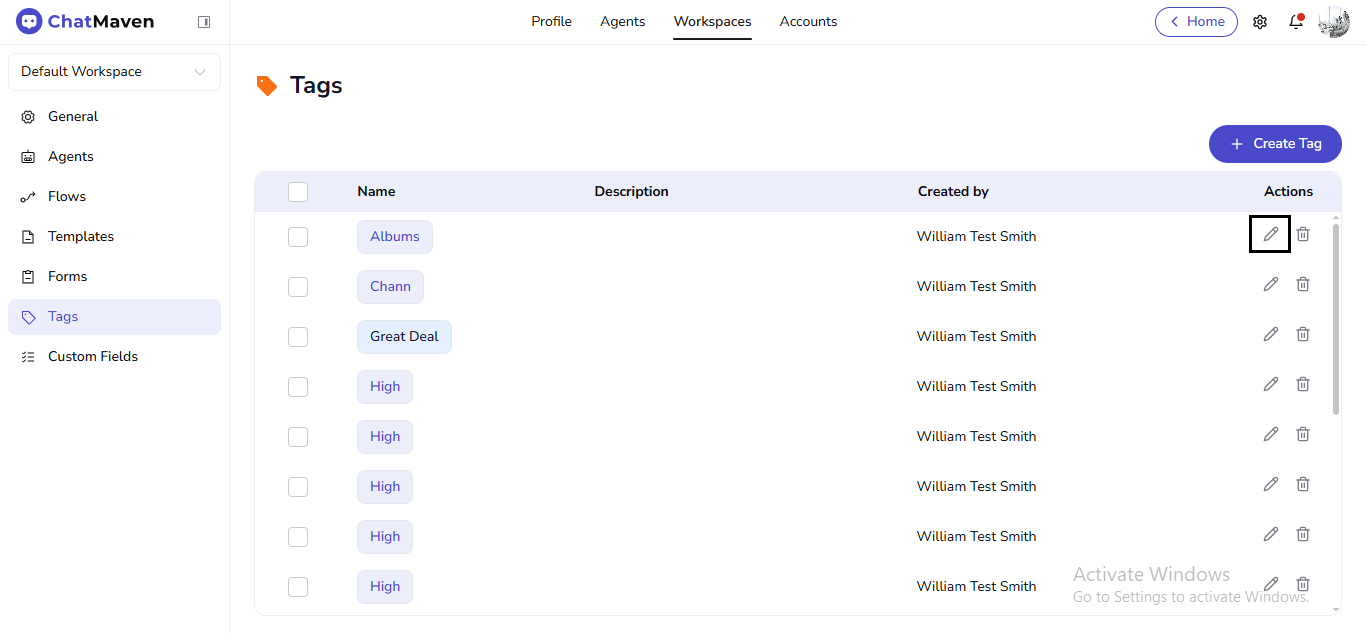
The table includes checkboxes (for bulk actions when available), Name, Description, Created by, and Actions (edit, delete).
Create a tag
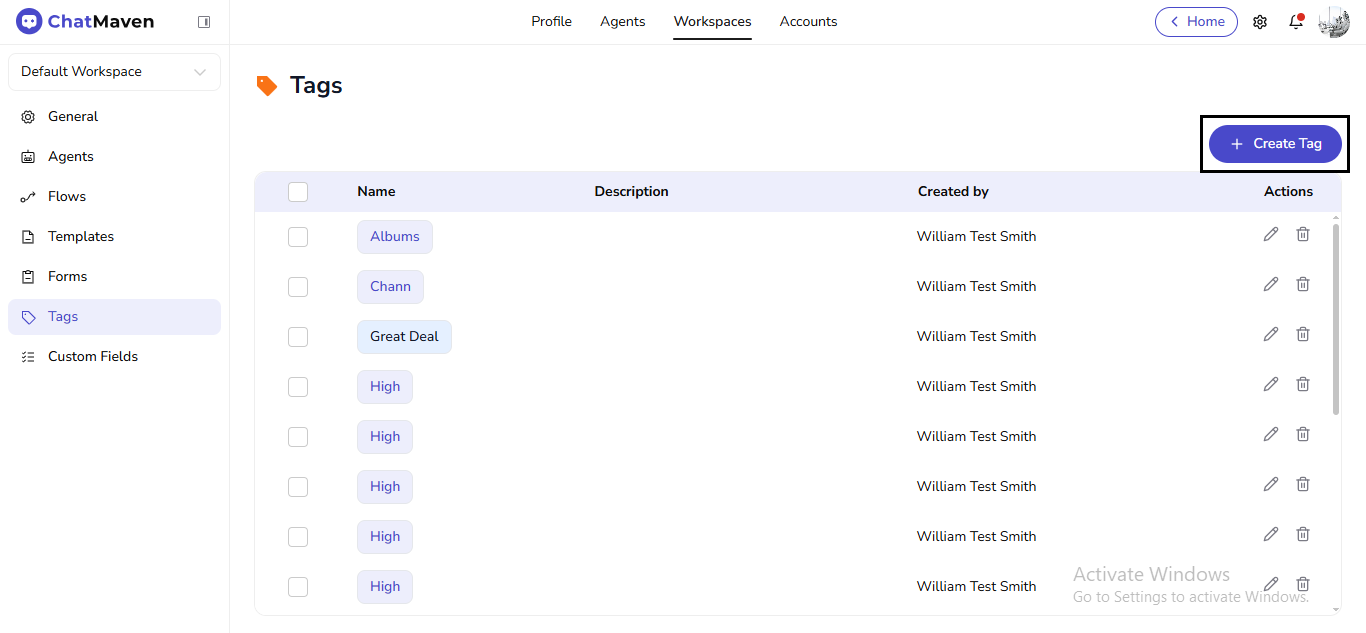
- Click Create Tag.
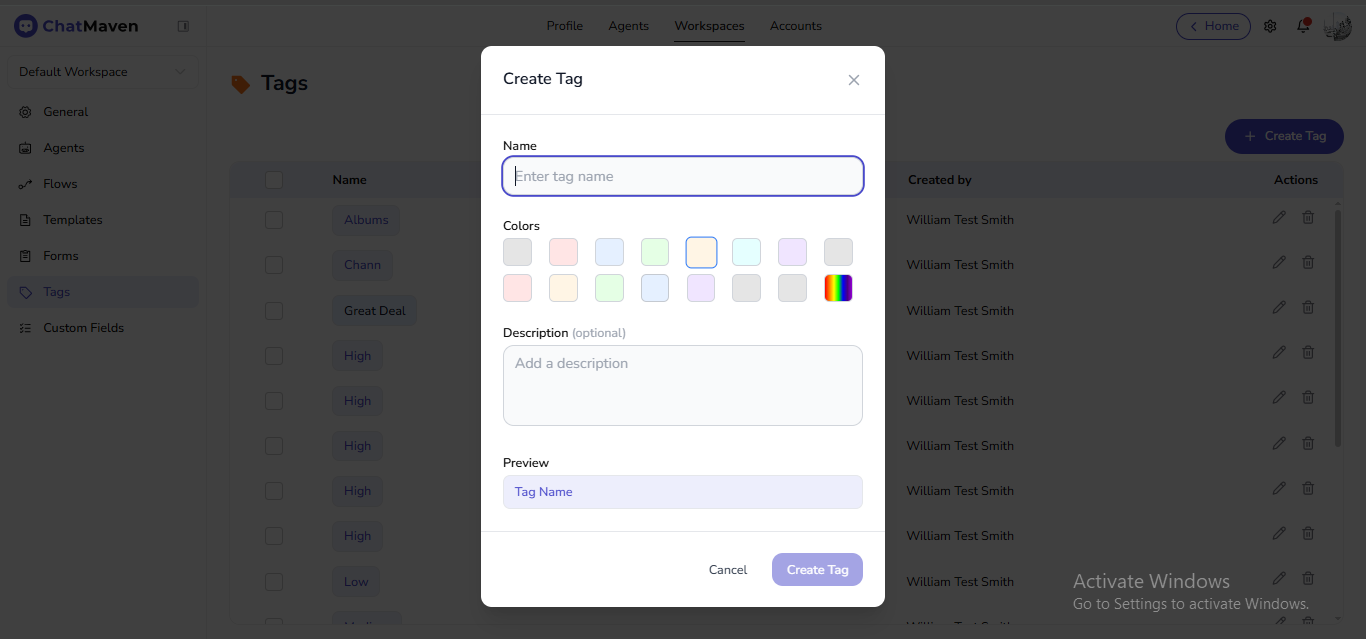
- Enter Name, pick a color swatch, and optionally add a Description.
- Check the Preview pill, then Create Tag. Cancel closes the modal.
Edit a tag
- In Actions, click the pencil.
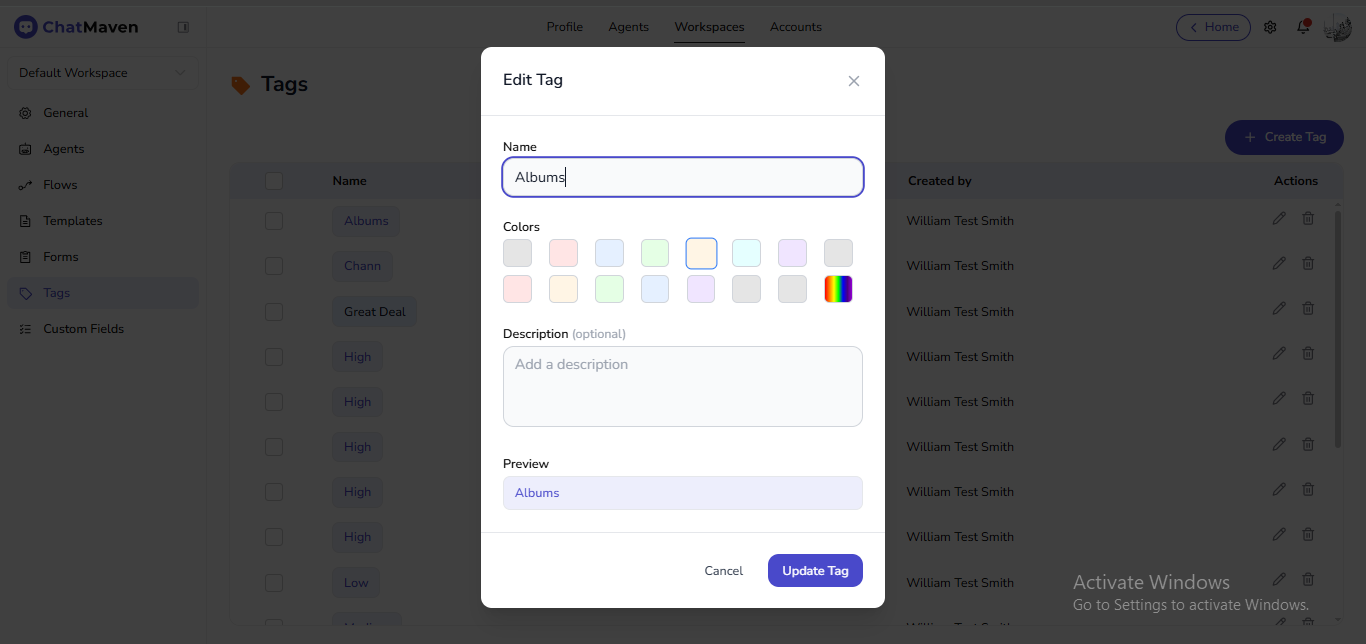
- In Edit Tag, change Name, color, or Description (optional).
- Click Update Tag or Cancel.
Delete a tag
- In Actions, click the trash icon.
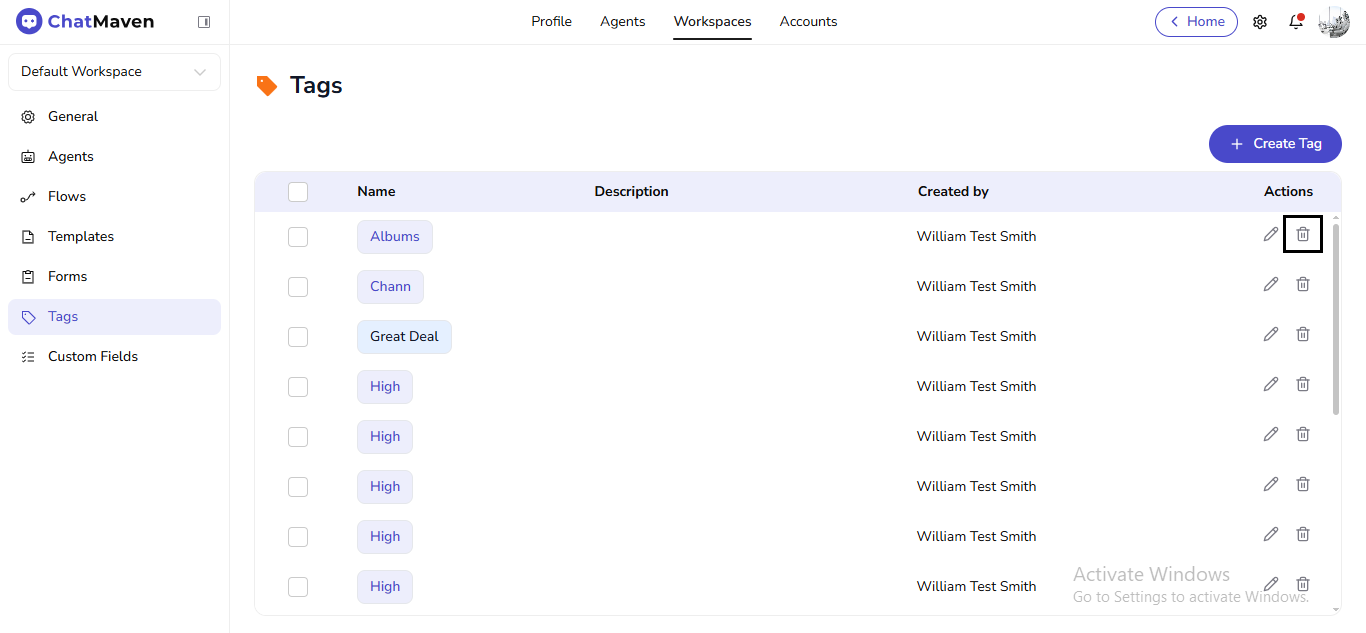
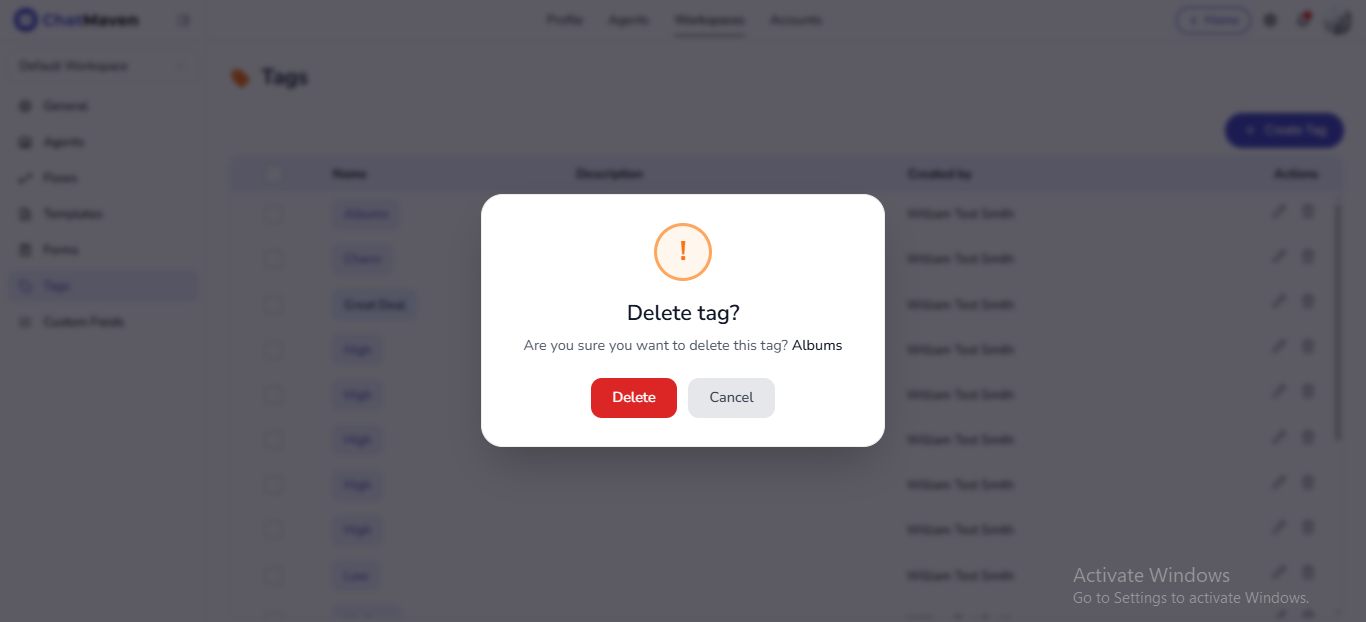
- In Delete tag?, confirm Delete or Cancel.