Custom contact fields
Sidebar Custom Fields opens Custom Contact Fields: extra contact properties for this workspace. Use the Key in flows (for example Update Contact). The product enforces Max 20 fields.
Live URL: live.chatmaven.ai/workspaces/custom-fields
Open Custom Contact Fields
Top bar Workspaces → sidebar Custom Fields.
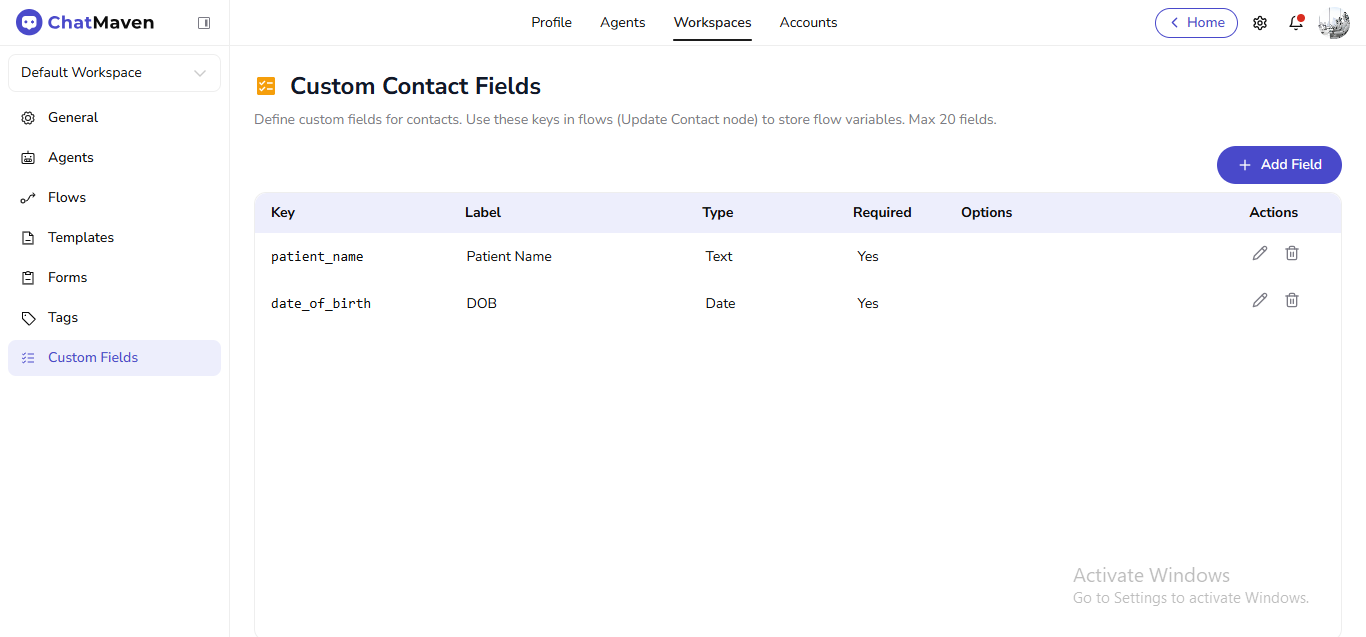
| Column | Meaning |
|---|---|
| Key | Stable id for flows and APIs. |
| Label | Label in the UI. |
| Type | Such as Text or Date. |
| Required | Whether the field is mandatory when collected. |
| Options | Values for choice-style types when used. |
| Actions | Edit and delete. |
Add a field
- Click Add Field.
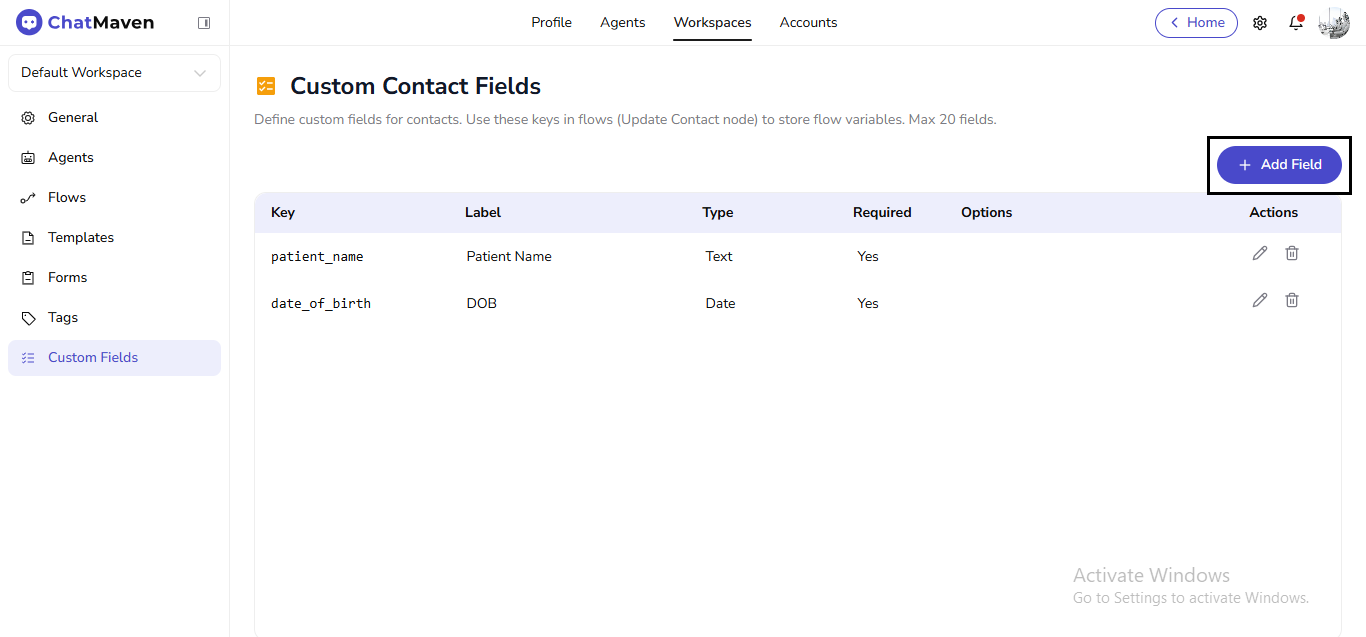
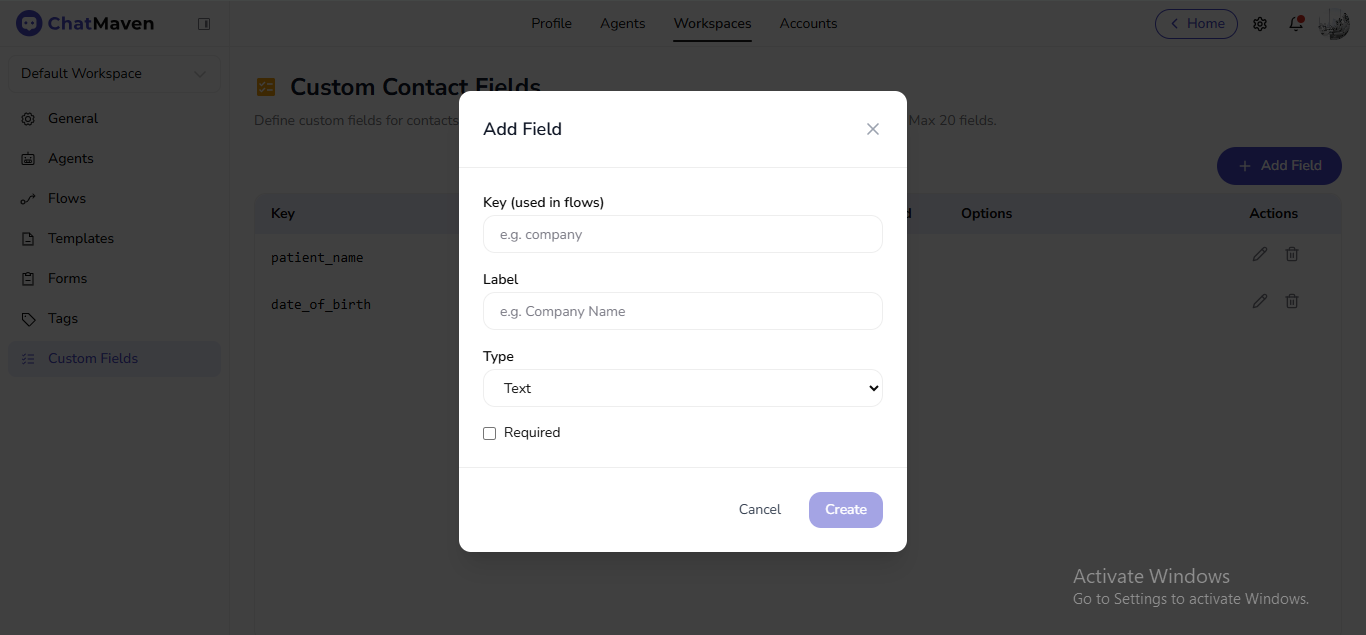
- Enter Key (used in flows) (for example
company) and Label (for exampleCompany Name). - Choose Type, set Required if needed.
- Click Create; Cancel closes the modal.
Edit a field
- In Actions, click the pencil.
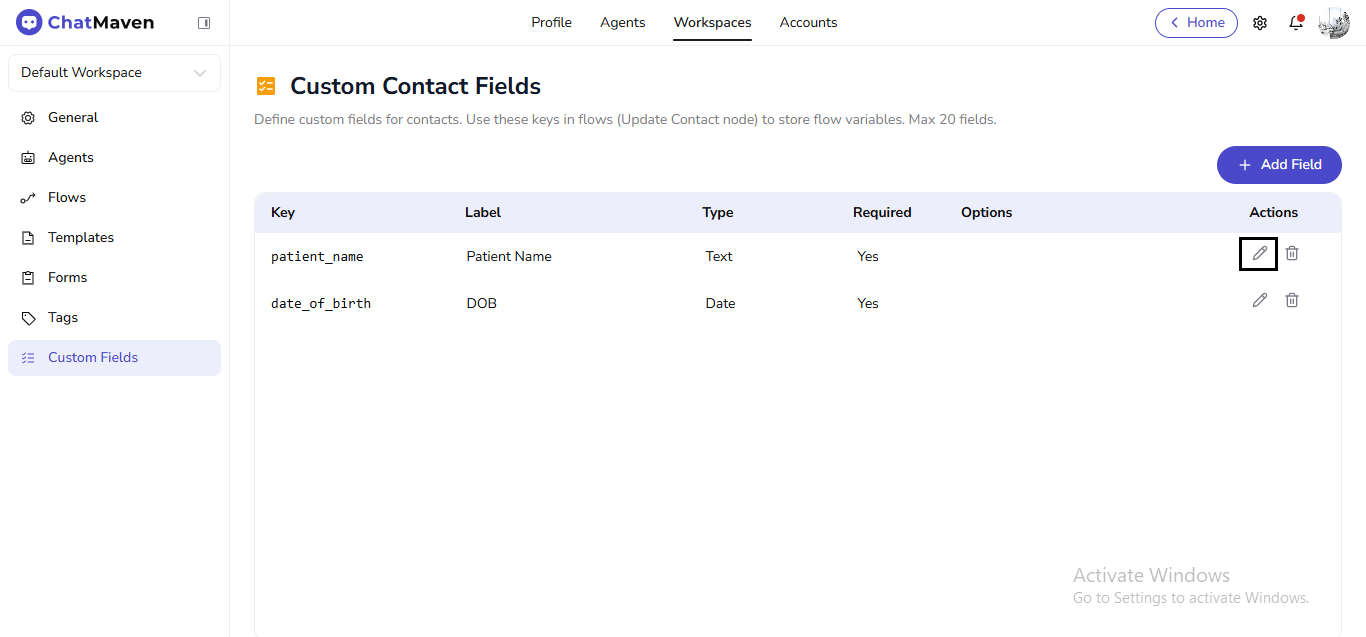
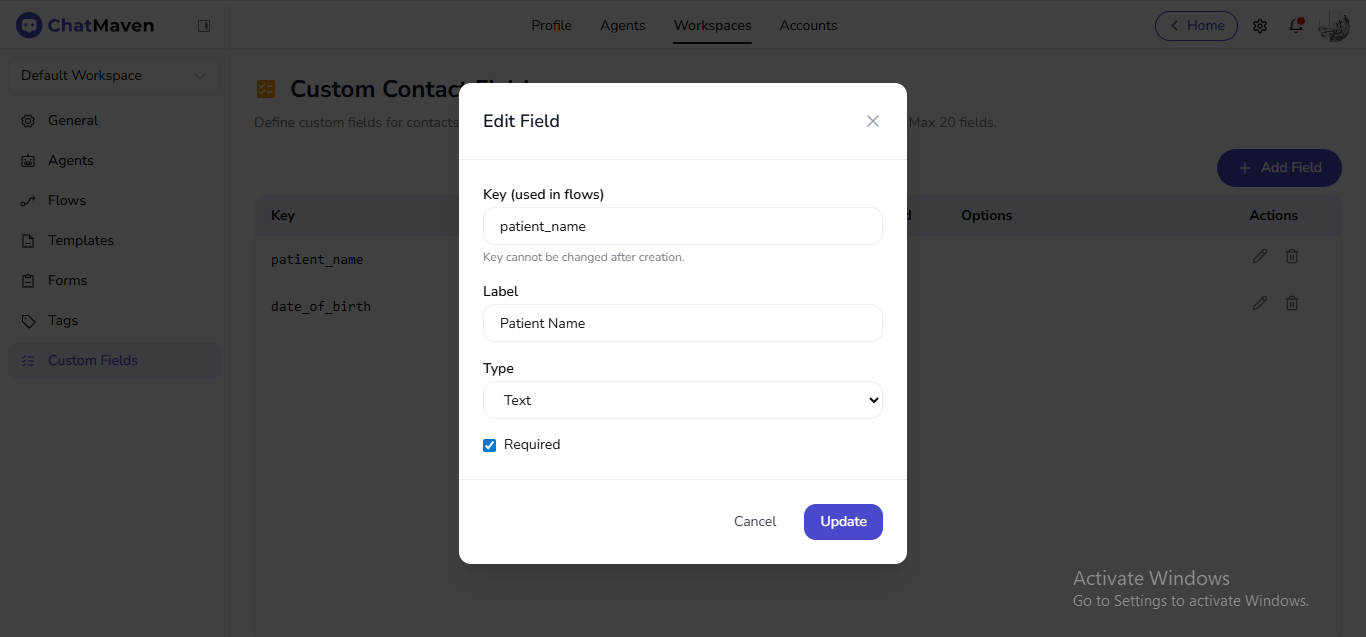
- In Edit Field, Key is fixed after creation (the product states it cannot change). Update Label, Type, or Required.
- Click Update or Cancel.
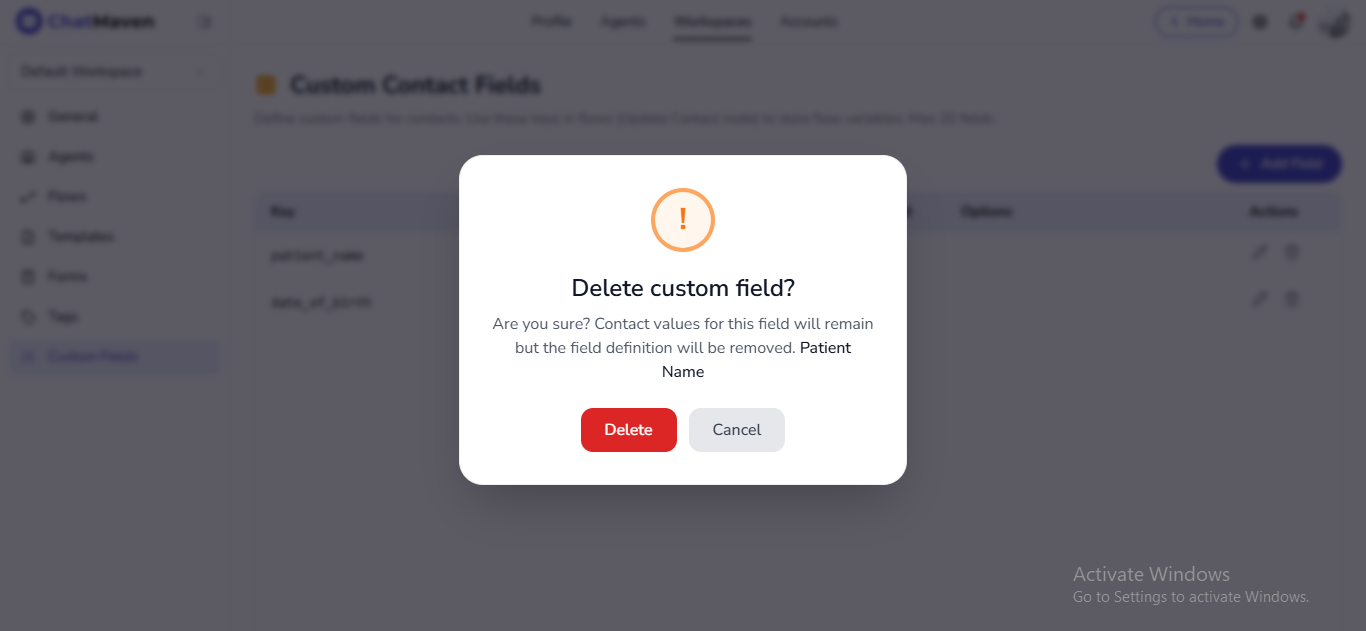
Delete a field
- In Actions, click the trash icon.
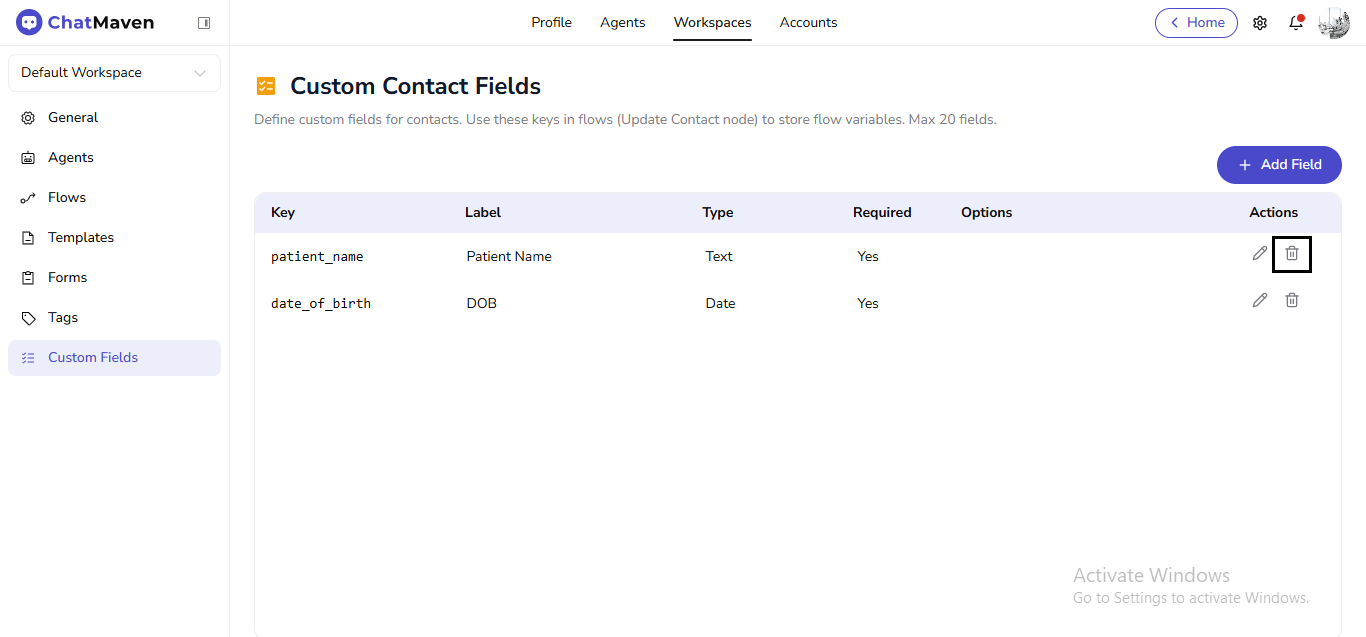
- In Delete custom field?, read that contact values may remain while the definition is removed. Confirm Delete or Cancel.